One Thing

Do one thing. Every day.

A focus app that removes decision fatigue. One goal. One timer. One streak.

02 · How it works

Three steps a day. Nothing to configure, nothing to optimise.

Set it. Start it. Stick with it.

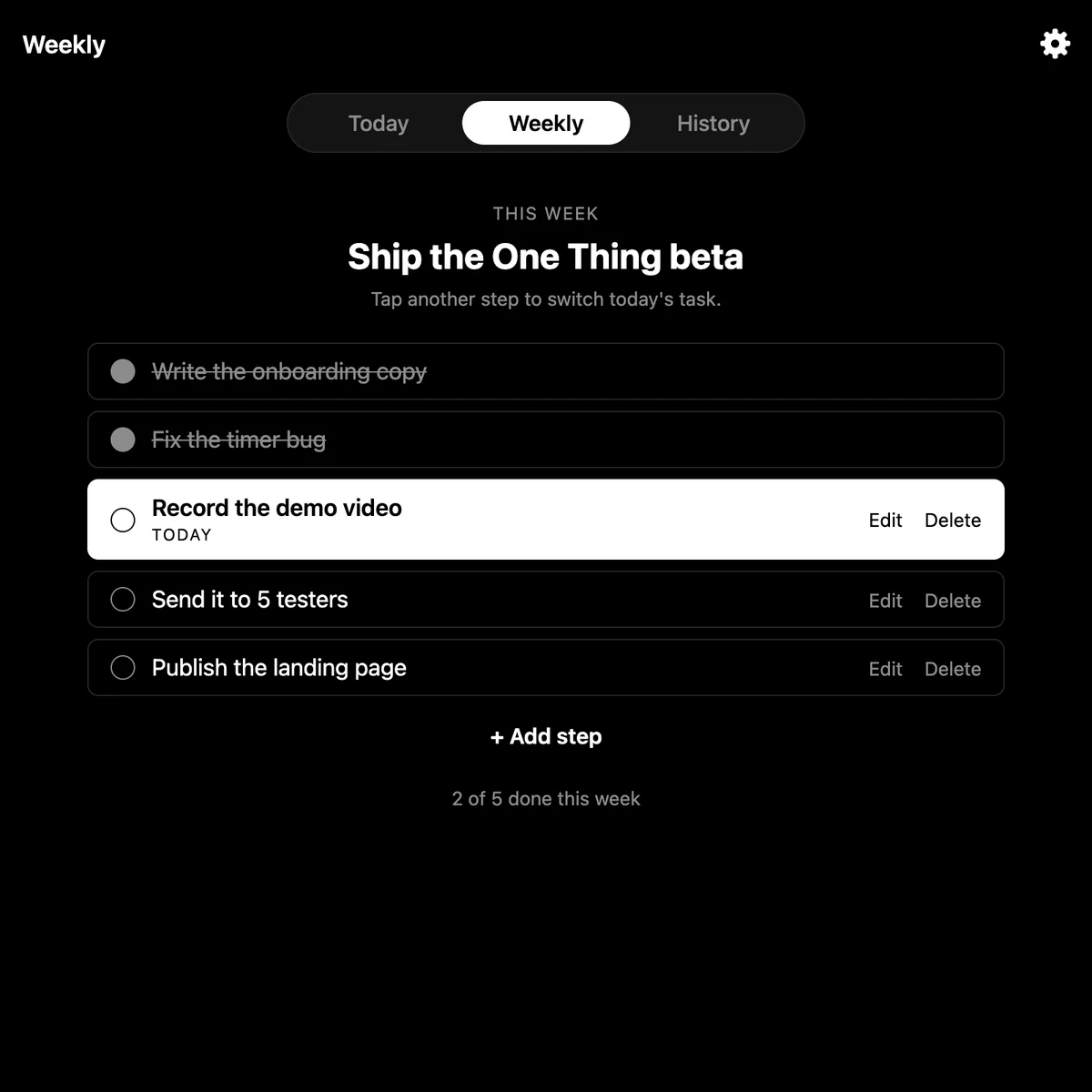
One Thing's Weekly tab: a checklist for the week with today's step, Record the demo video, highlighted

Set your goal

Pick one thing for today — typed fresh, or chosen from your weekly checklist.
Set01
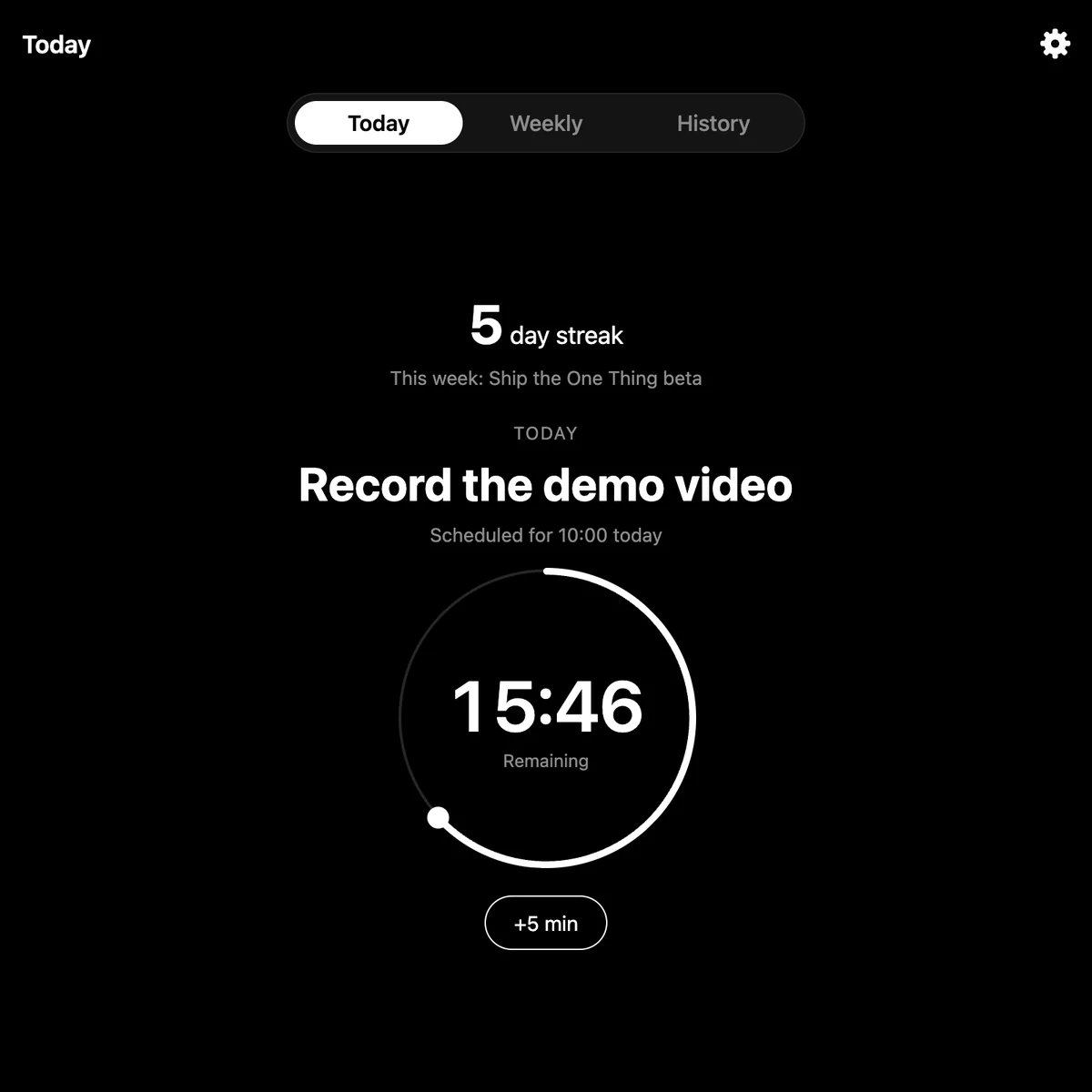
One Thing's Today tab: the goal Record the demo video with a countdown ring showing 15:46 remaining and a 5 day streak

Start the timer

A calm countdown that pauses when you wander off, and counts when you're working.
Focus02
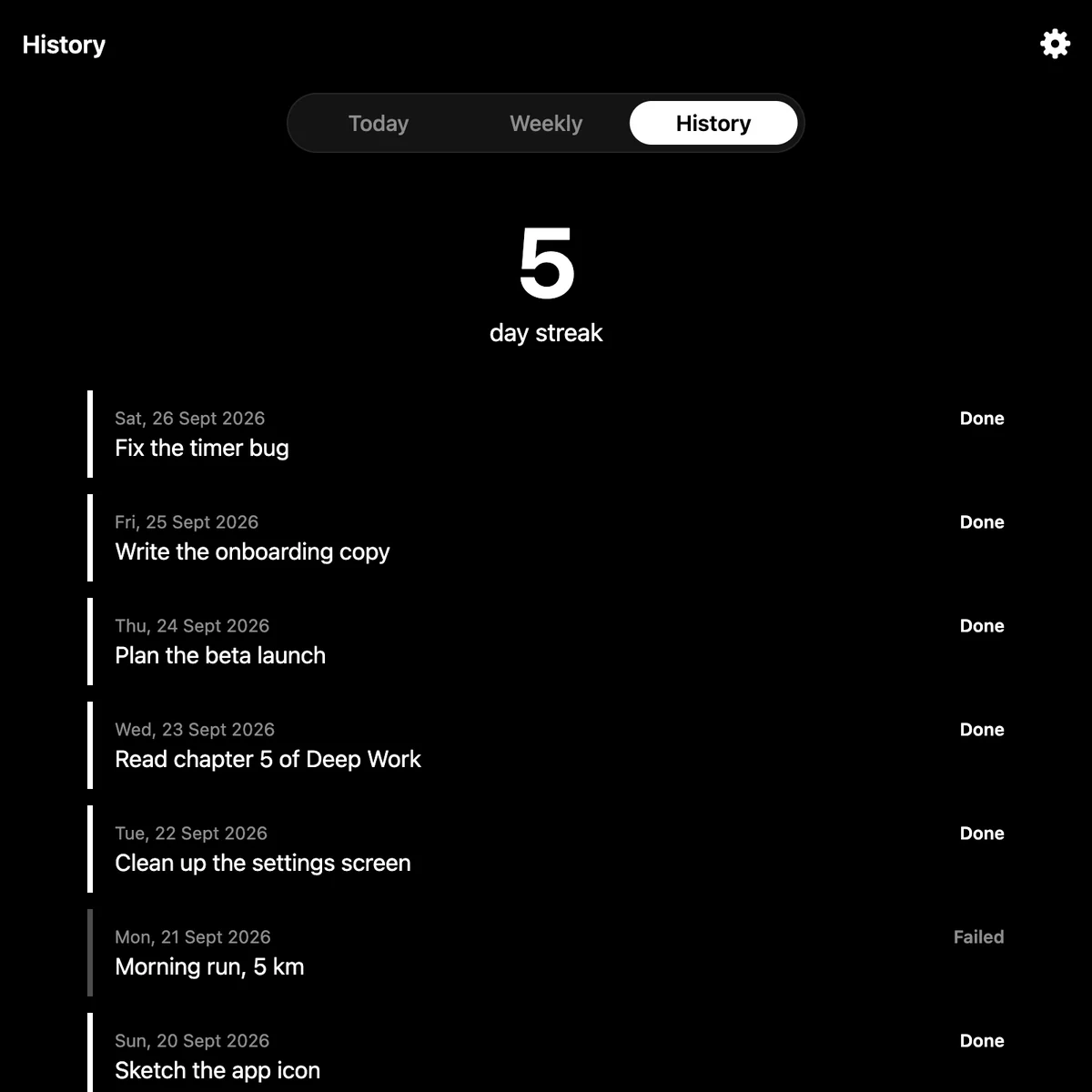
One Thing's History tab: a 5 day streak and a list of past days marked Done or Failed

Build your streak

Mark it done — honestly — and watch the days add up.

Streak03
03 · Philosophy

No AI. No noise. Just one thing.

No gamified badges. No ten-habit dashboards. No streak-saving tricks you didn't ask for. You choose one goal, you do it, and you tell the truth about whether you did. That's the whole app.

04 · Get started

Available now on Mac.

Download One Thing (.dmg)

Requires a Mac with Apple silicon (M1 or later)

After installing:

  1. Drag “One Thing” into your Applications folder.
  2. Open Terminal (press Cmd + Space, type “Terminal”, hit Enter).
  3. Copy and paste this exact line into Terminal, then press Enter:
    xattr -dr com.apple.quarantine "/Applications/One Thing.app"
  4. Open One Thing from your Applications folder as normal. It will now open without any warning.

This is a one-time step. You won’t need to do it again.

05 · Coming soon

iPhone app launching soon.

Get notified the moment One Thing is available on the App Store.